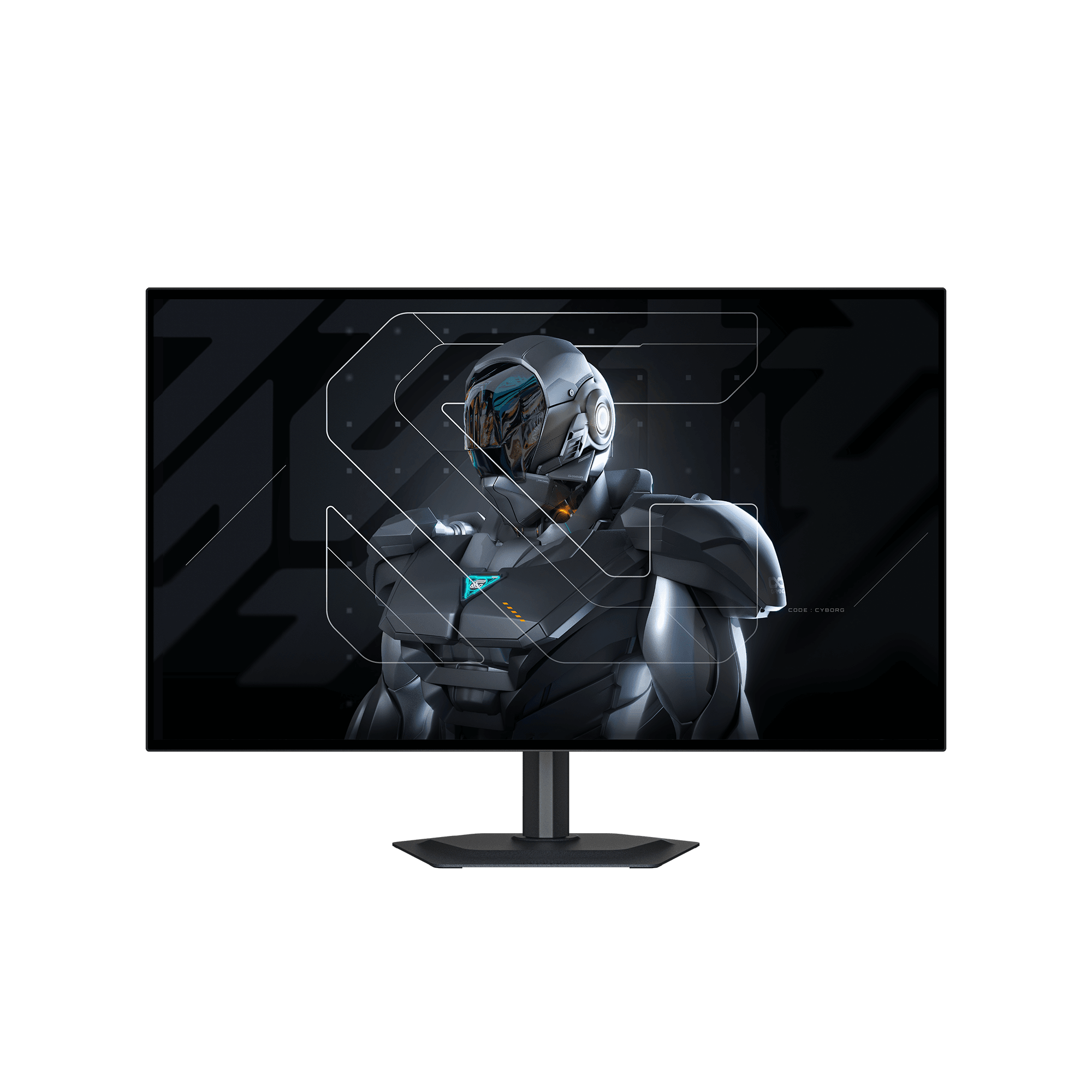
Monitor Gigabyte 27” QHD, WOLED. 0,03 ms, 280HZ, VESA DisplayHDR True Black 500, 1x DP 1.4, 2x HDMI 2.1, 1 USB Type-C
4 disponibles

Costo de envío en región metropolitana $5.000.- si no cumple con la compra mínima.
Envió gratis a dentro de la Región Metropolitana por compras superiores a $160.000.-
Métodos de pagos: Pre aprobación Financiera
Descripción
Monitor Gigabyte 27” QHD, WOLED. 0,03 ms, 280HZ, VESA DisplayHDR True Black 500, 1x DP 1.4, 2x HDMI 2.1, 1 USB Type-C
-
Panel Size (inch)
-
27″ WOLED
-
Panel Type
-
WOLED
-
Display Viewing Area (HxV)
-
586.75 x 330.05 mm
-
Color Saturation
-
99.5% DCI-P3, 84% BT2020
-
Resolution
-
2560 x 1440 (QHD)
-
Display Surface
-
Anti-Reflection
-
Pixel Pitch
-
0.2292(H) x 0.2292(V) mm
-
Brightness
-
335 cd/m2 (Typ, SDR APL 100%); 1500 cd/m2 (Typ, HDR APL 1.5%)
-
Contrast Ratio (Typ.)
-
1.5M:1
-
Viewing Angle
-
178°(H)/178°(V)
-
Display Colors
-
10bit (1.07B)
-
Refresh Rate (Max)
-
280Hz
-
Response Time
-
0.03ms GTG
-
HDR Support
-
VESA DisplayHDR True Black 500
-
Flicker-free
-
Yes
-
Factory Calibration
-
Yes, △E< 2
-
Connectivity
-
2 x HDMI 2.1
1 x Displayport 1.4
1 x USB Type-C (Alternate Mode; Upstream port; Power Delivery up to 18W)
2 x USB 3.2 Downstream ports
1 x USB 3.2 Upstream port
1 x Earphone Jack
-
Speaker
-
5W x 2
-
Power Type
-
Adapter
-
Power Consumption
-
35W**
-
Power Saving Mode
-
<0.5W
-
Power Off Mode
-
<0.3W
-
Voltage
-
AC 100-240V ~ 50/60Hz
-
Tilt(angle)
-
-5°~+21°
-
Swivel(angle)
-
±15°
-
Pivot(angle/direction)
-
0°~+90° (clockwise)
-
Height Adjustment (mm)
-
130 mm
-
VESA Wall Mounting(mm)
-
100*100 mm
-
Kensington lock
-
Yes
-
Phys. Dimension with Stand(WxHxD)
-
604.4*526.5*187.5 mm
-
Phys. Dimension w/o stand (WxHxD)
-
604.4*350.2*54.4 mm
-
Box Dimension (WxHxD)
-
795*131*475 mm
-
Net Weight with stand (Esti.)
-
6 kg
-
Net Weight without stand (Esti.)
-
4.05 kg
-
Gross Weight (Esti.)
-
8.75 kg
-
Accessories
-
Power cable/HDMI 2.1 cable/DP cable/USB cable/QSG/Warranty card//Color calibration test report
-
Warranty
-
3 years (including panel burn-in)
-
Note
-
*To enable OSD Sidekick, it requires connection between PC and monitor with USB (A-Male to B-Male) cable.
**The test condition follows CEC standards.